
Menus for bars, breweries, pubs, and taprooms
Your taps rotate faster than a printed board can keep up. Menu Tools keeps every screen in the room attractive and current at a reasonable price.
Your personal drinks list
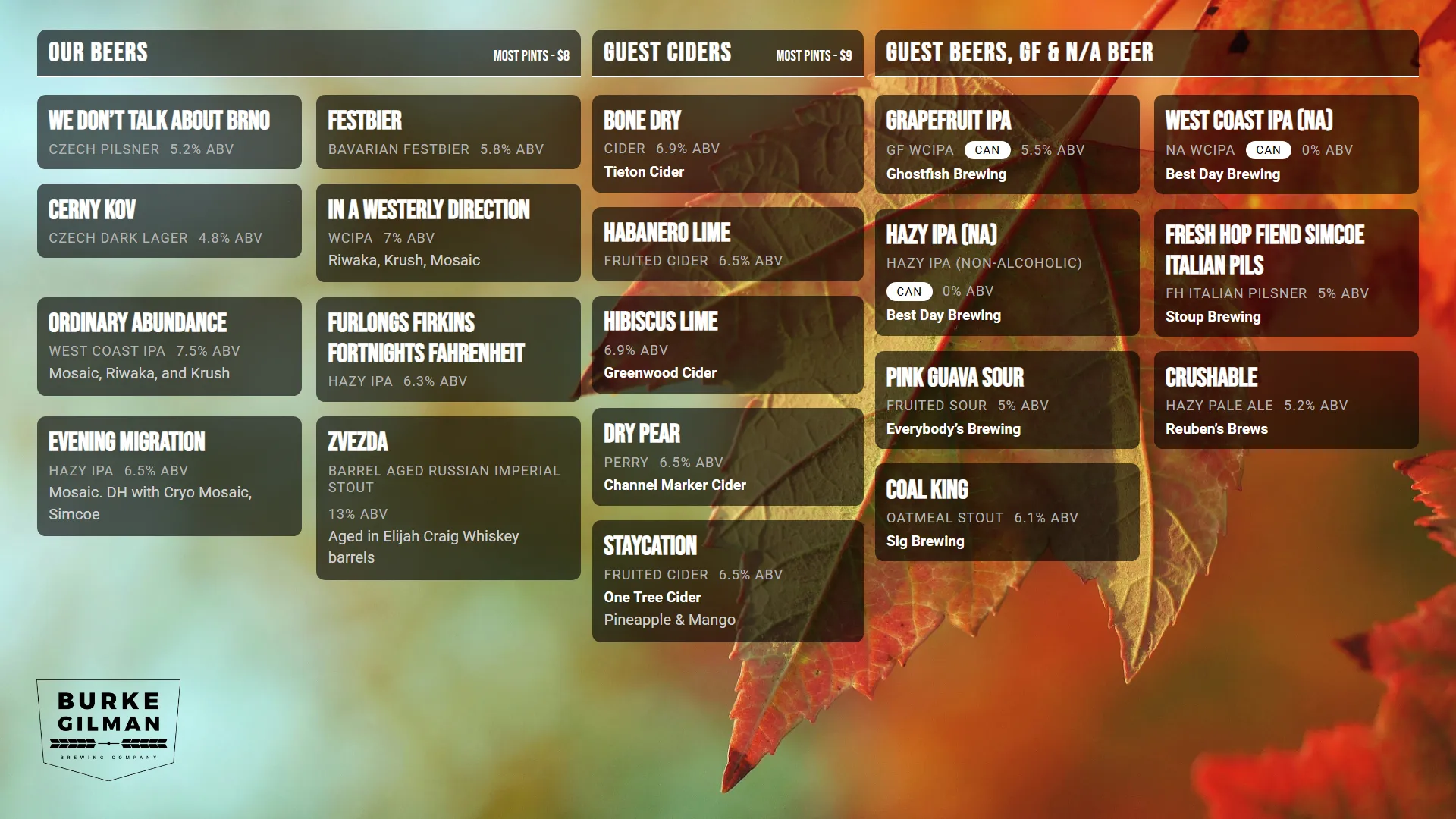
List your drinks on a continuously reloading digital television menu.
Separate different types of items by section. Organize your happy hour menu separate from your beer menu or your snack menu. Or, separate your house beers from your guest beers and ciders. Sort items as you prefer.
All the data gets stored in the database and automatically updated on the screen.
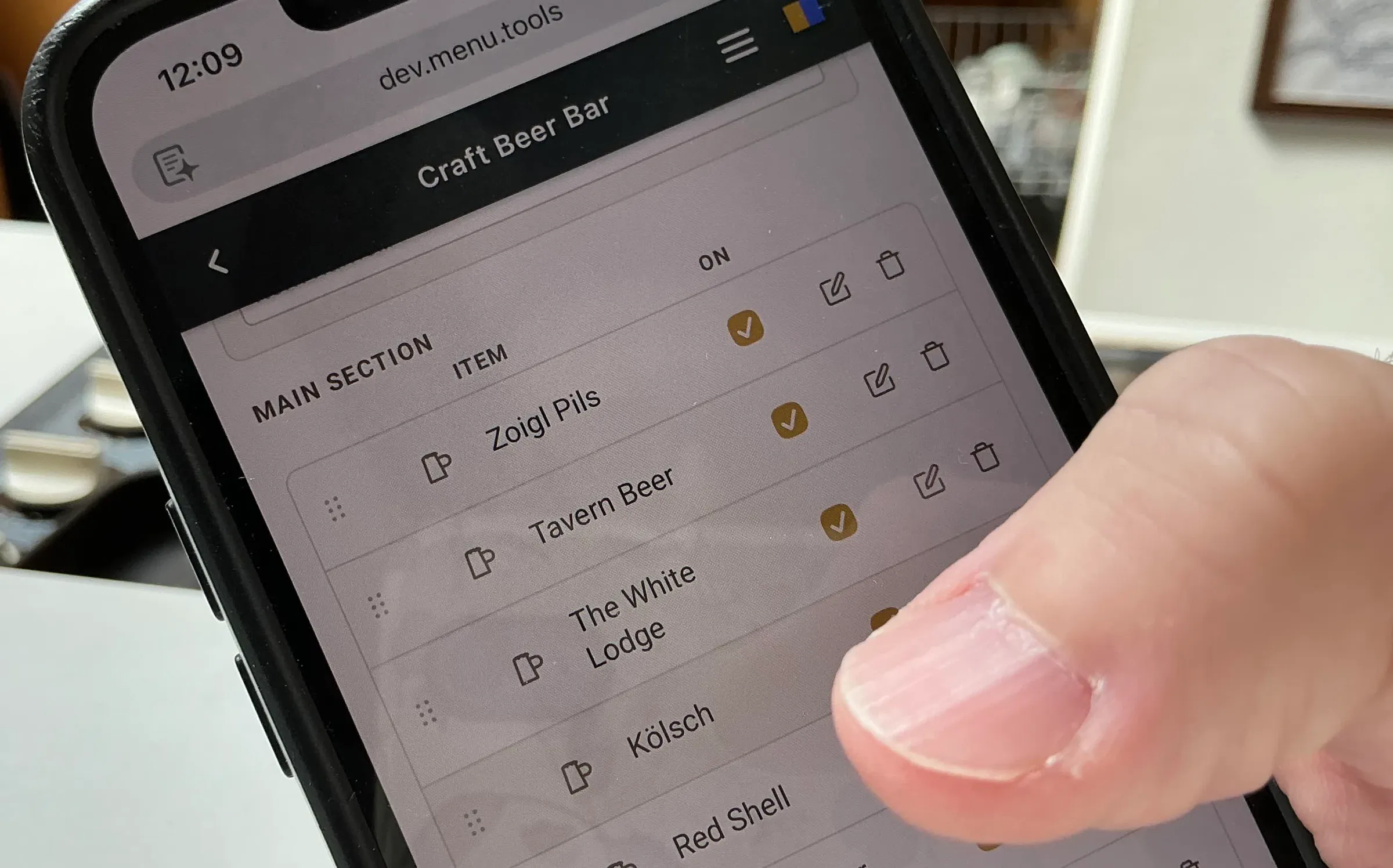
Everything remains completely customizable with an easy-to-use editing interface optimized for mobile phones and laptops. Update your menu at home and the changes display in the bar.
 Open full size in a new tab
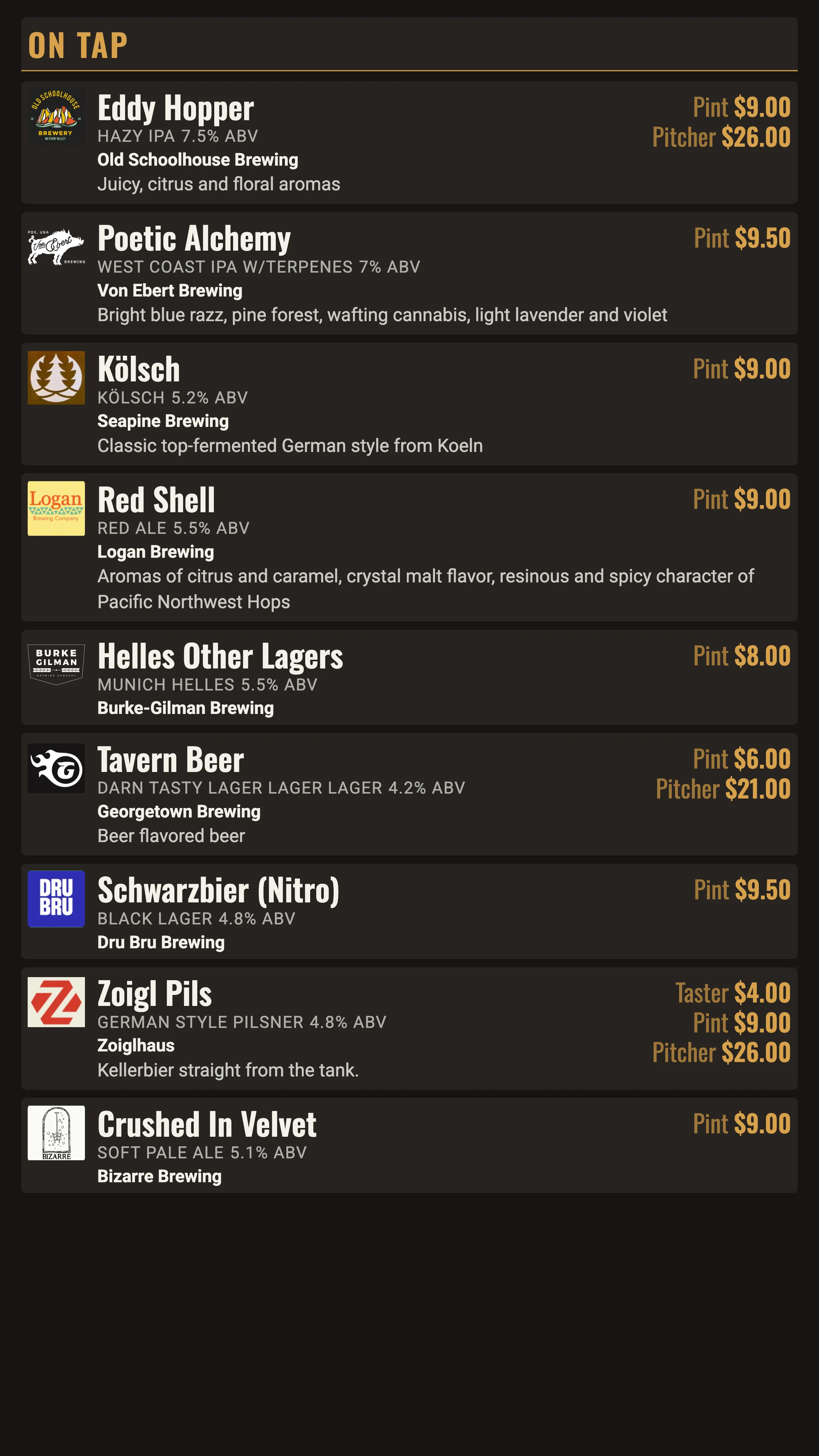
A tap list that keeps itself current
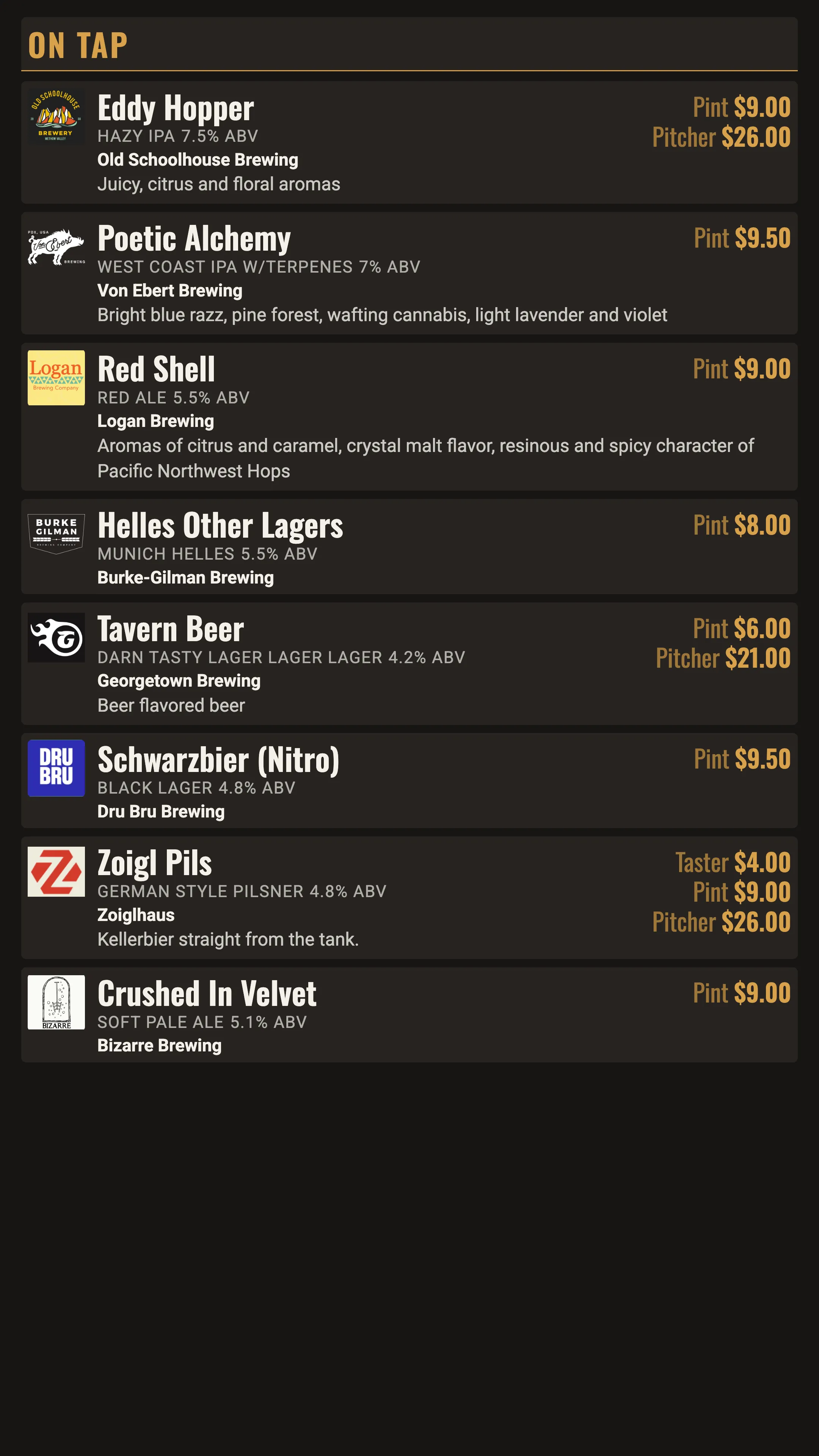
Keg runs dry in the middle of service? Toggle it off on your mobile phone and every screen catches up automatically.
The display automatically rotates through your items when a long list runs past the bottom of the screen. Nothing gets cut off.
Share your list with an auto-generated QR code. Your guests always see the beers on tap right now.
 Open full size in a new tab
 Open full size in a new tab
 Open full size in a new tab
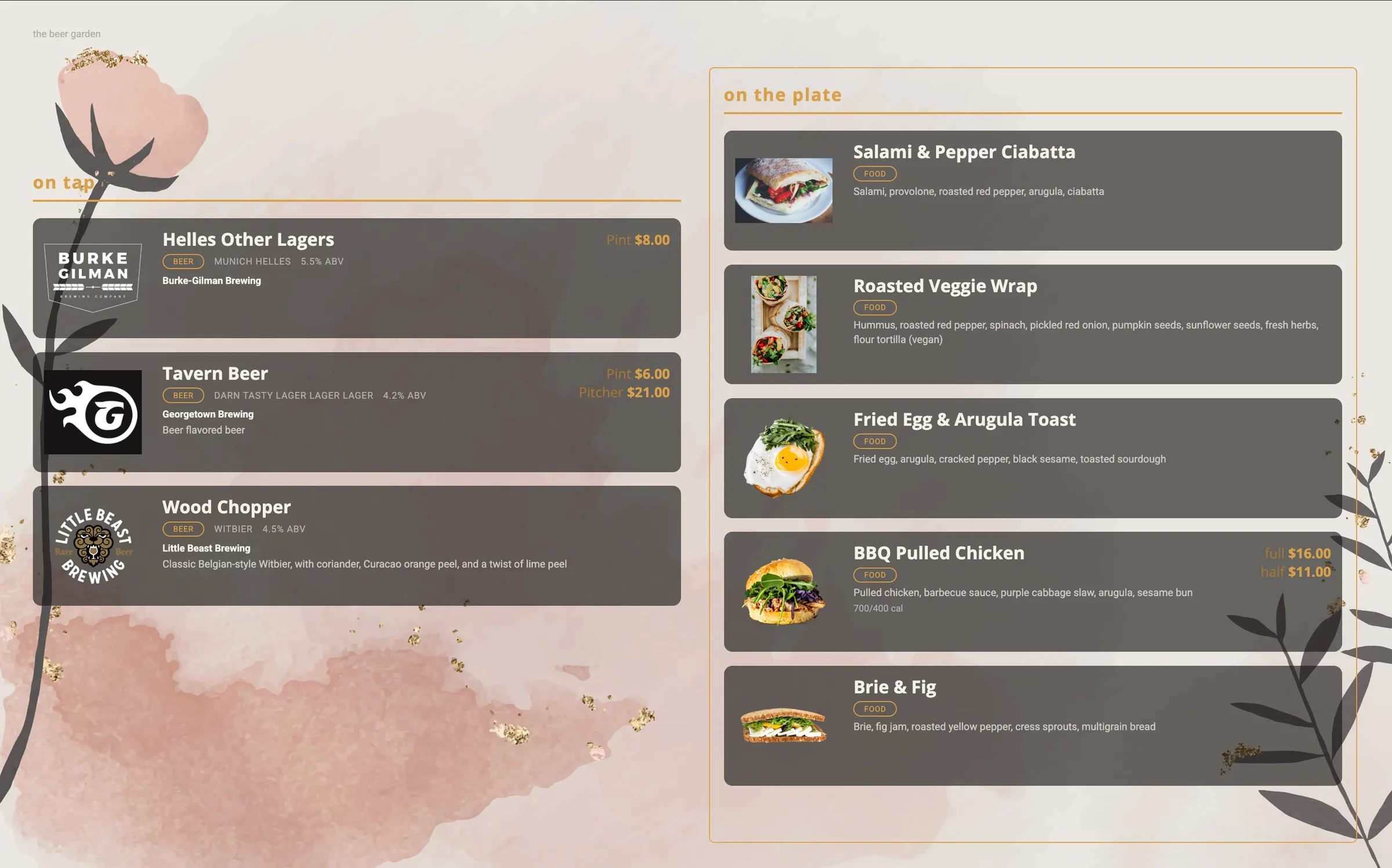
Make your own look through imagery
Add your personal touch to a menu by adding your own background image for the page.
Include individual images for each drink to easily identify beers by label.
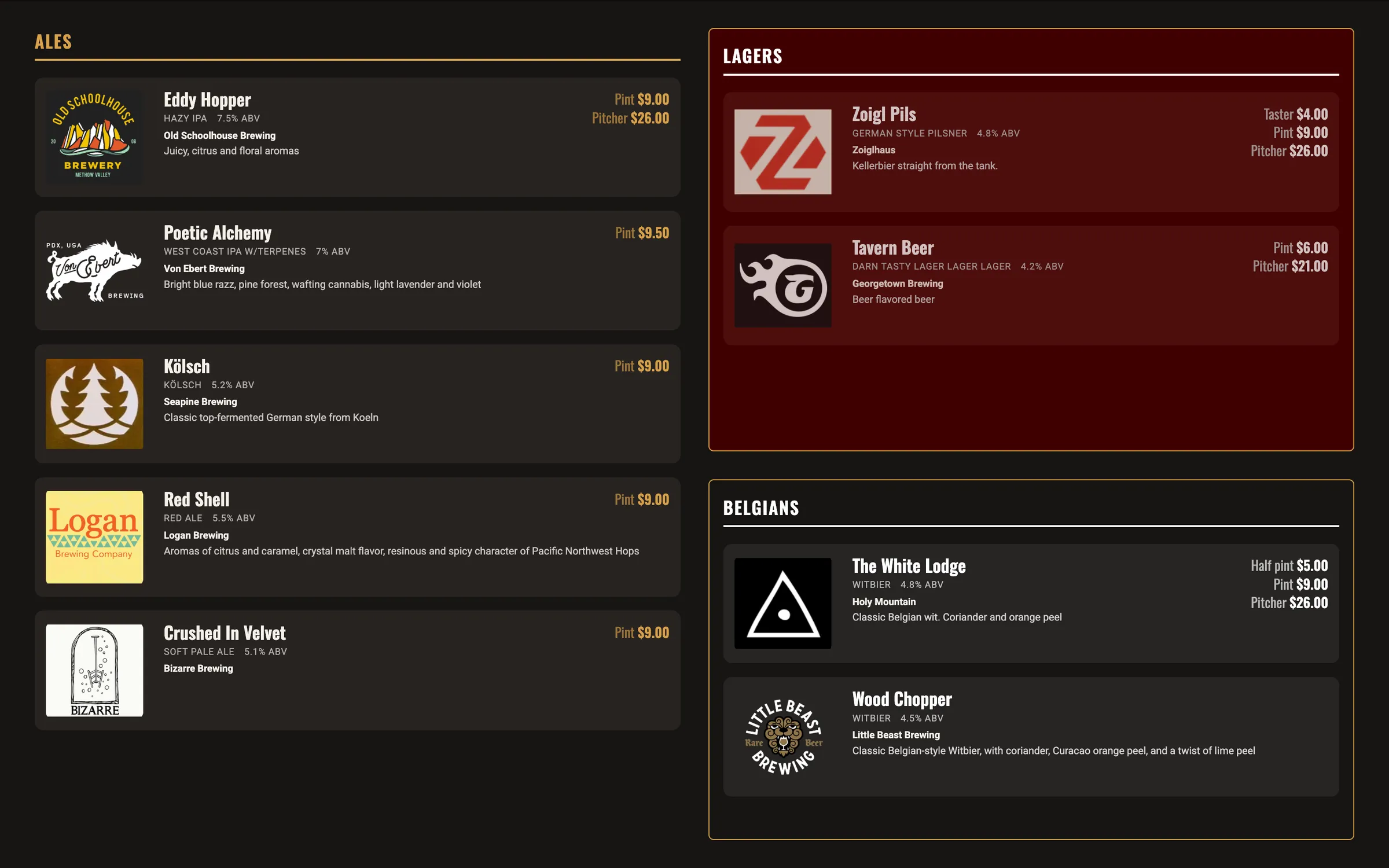
Create your own custom look by combining your own selection of palette color, font, size, and organization.
Menu Tools makes customization easy and the results attractive.
 Open full size in a new tab
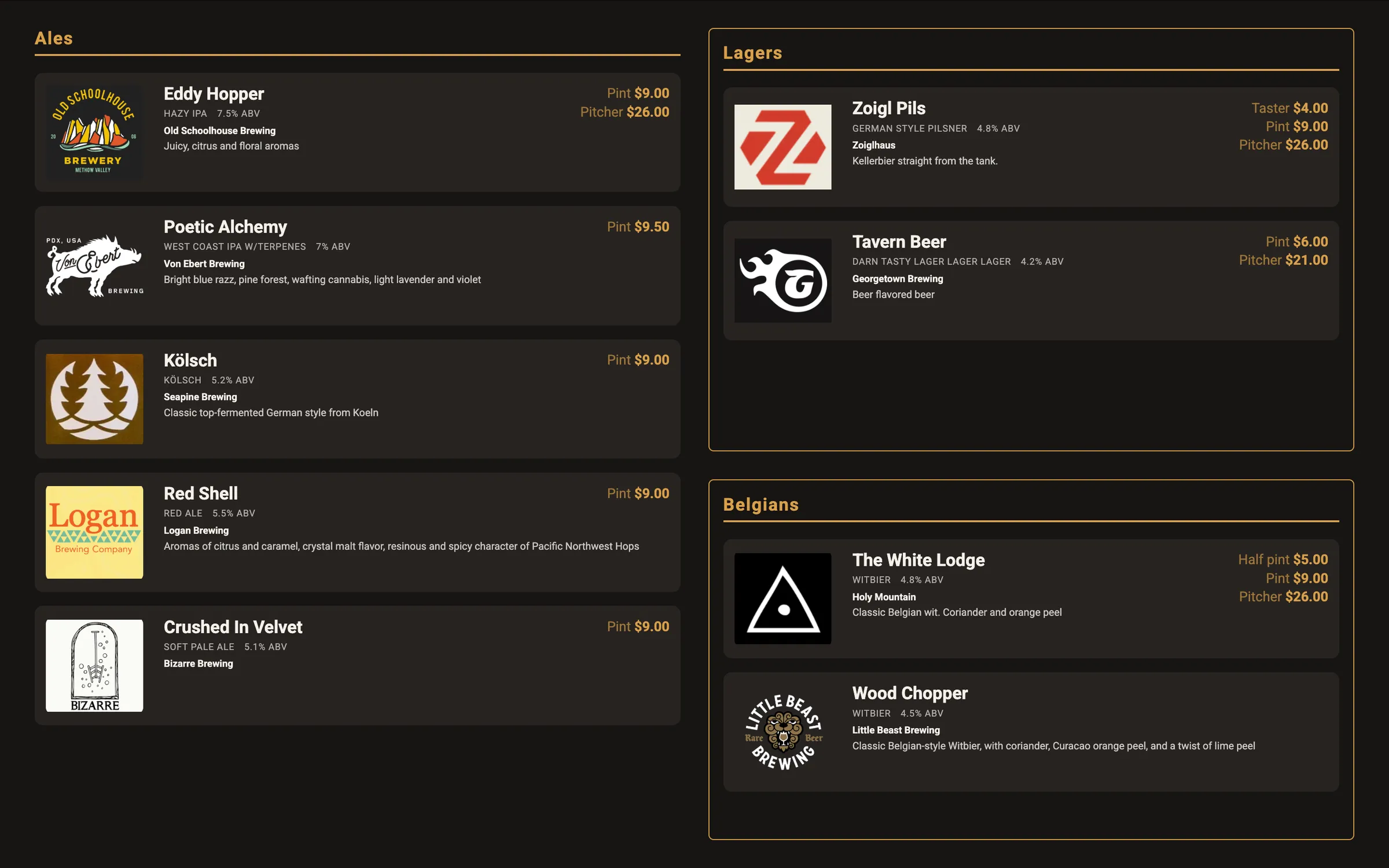
Handle pours, sizes, and prices in one catalog
Record the brewery, the ABV, the style, and the description for every beer.
Give an item several sizes with their own prices. A taster, a pint, and a pitcher sit under one item.
Update any item at any time through an easy-to-use interface on your mobile phone. No mobile app download required.
Change a price once in the catalog. Every menu in every location carrying that item updates with it.
 Open full size in a new tab
Easily set up menu displays in multiple locations
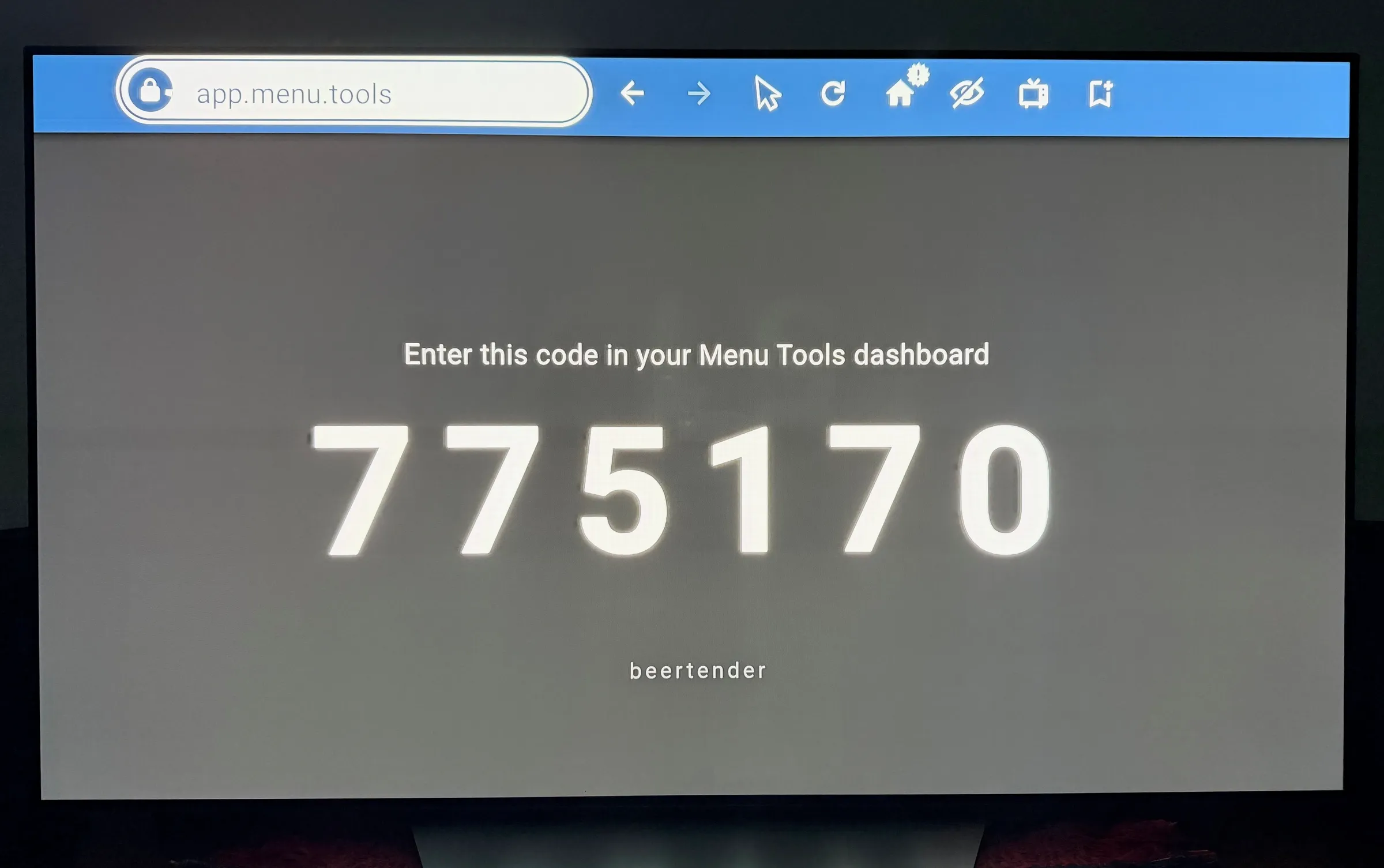
Pair a TV with a six-digit code. Never type a password on the screen.
Menu Tools runs on any device with a browser, including the media stick already behind your TV.
One menu shows on one display. Open the display on as many screens as your location needs at no extra cost.
Manage items and pricing for multiple displays in multiple locations through one intuitive interface.
 Open full size in a new tab
 Open full size in a new tab
Start serving smarter menus today
Set up your first menu in minutes. Or, talk to us about customizing a menu for you.