
Menus for delis and restaurants
A restaurant runs several menus across a single day. Menu Tools lets you build all of them in advance and pair the screen to whichever one you're running.
A menu for every part of the day
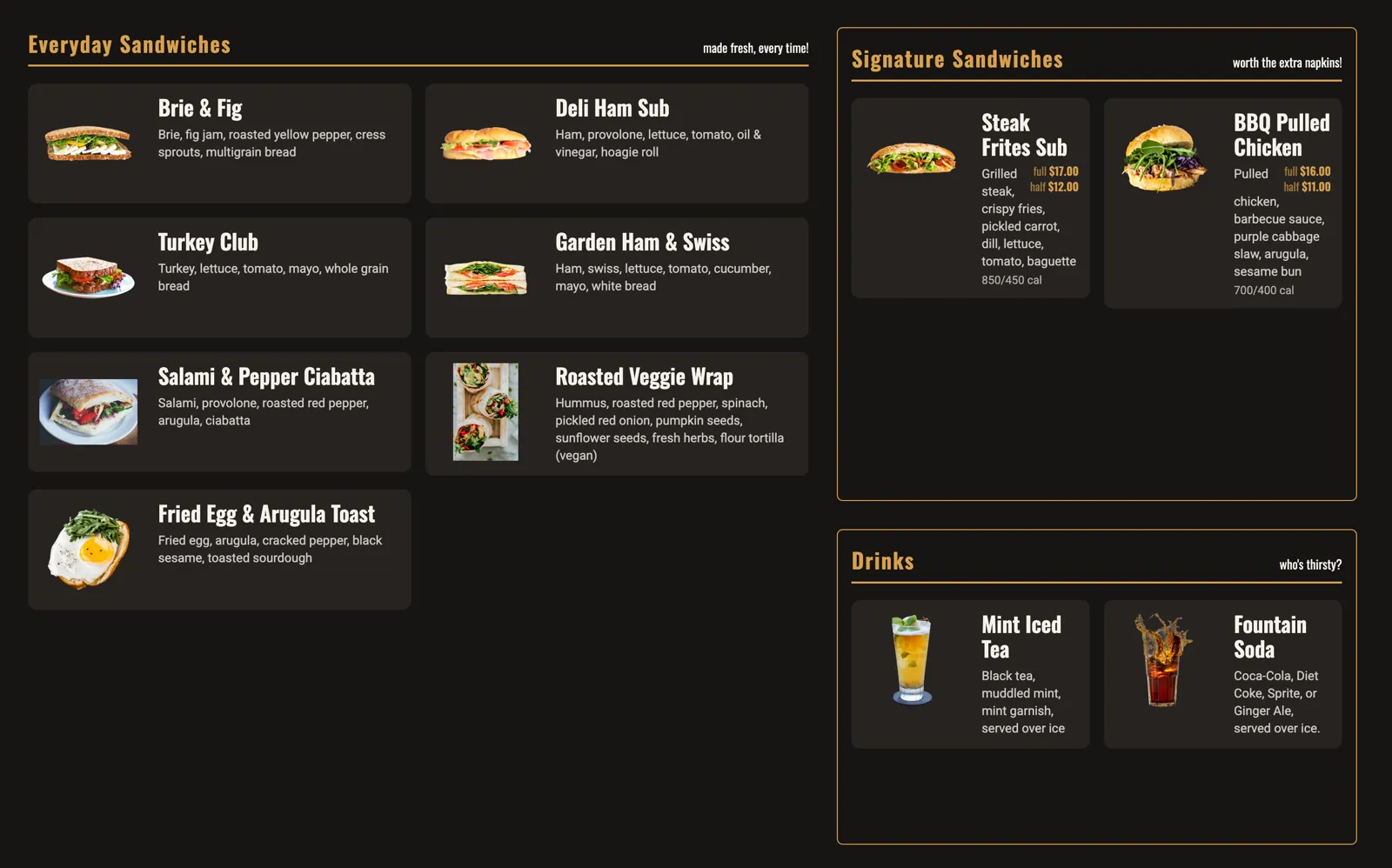
Build a brunch menu, a lunch menu, and a dinner menu, each with its own display URL and QR code.
The display automatically rotates through your items when a long list runs past the bottom of the screen. Nothing gets cut off.
 Open full size in a new tab
One catalog across every menu
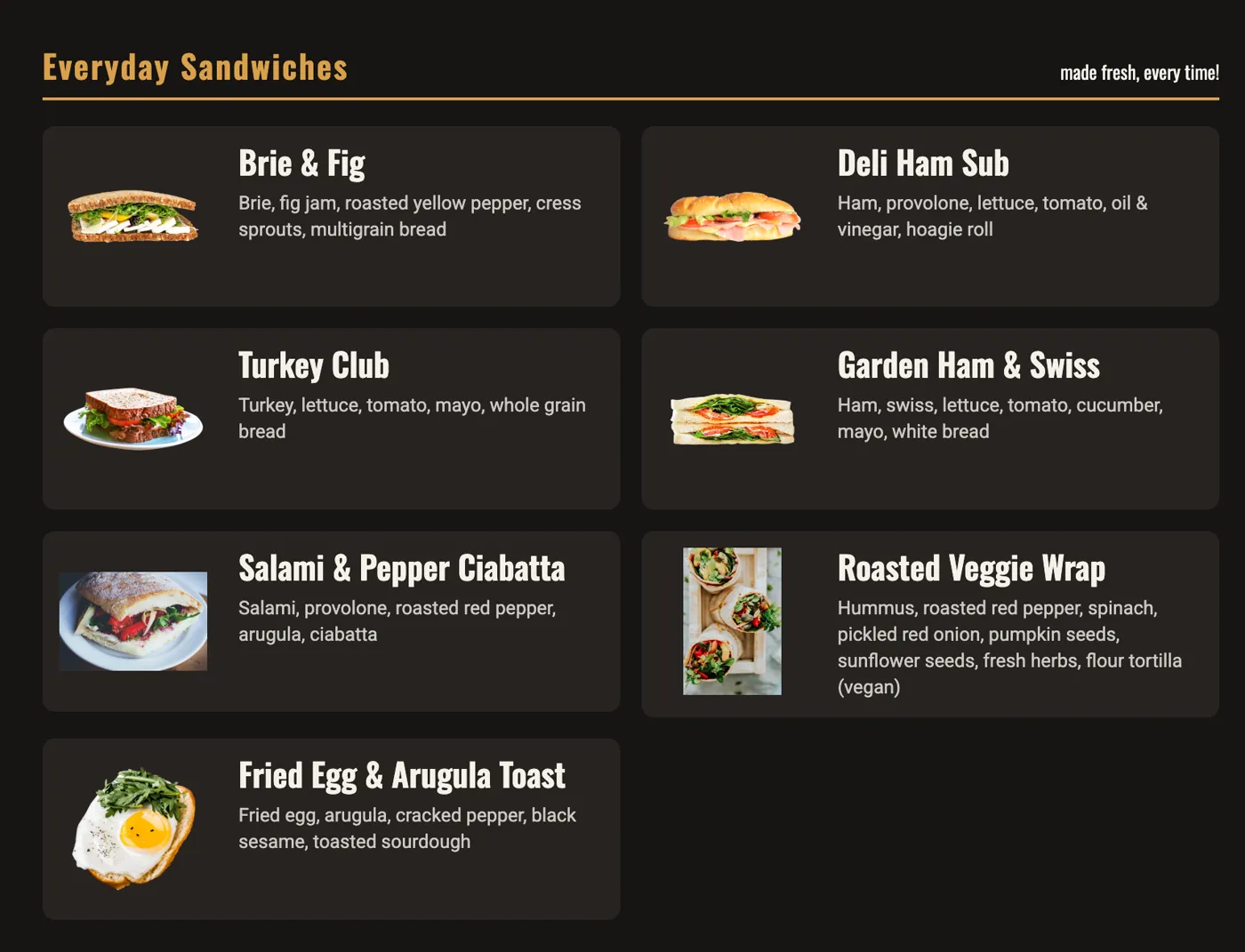
Each location keeps a reusable item catalog. You build a dish once and place it on any menu.
Items carry a description, a photo, calorie information, and several sizes with their own prices.
Mark a dish unavailable when the kitchen runs out. Every menu showing it updates together.
 Open full size in a new tab
Table codes and remote management
Pair a screen with a six-digit code and pick the menu it runs.
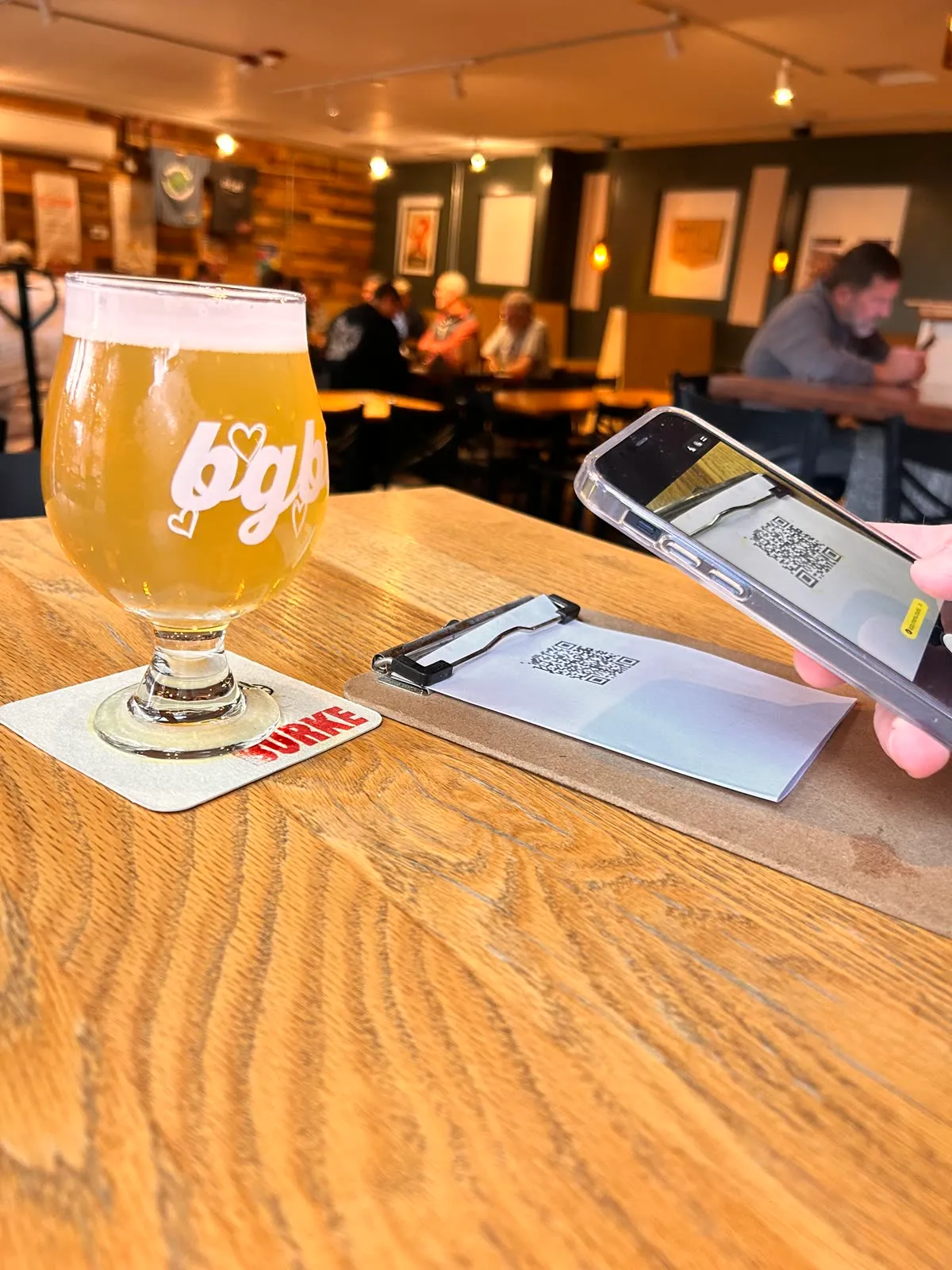
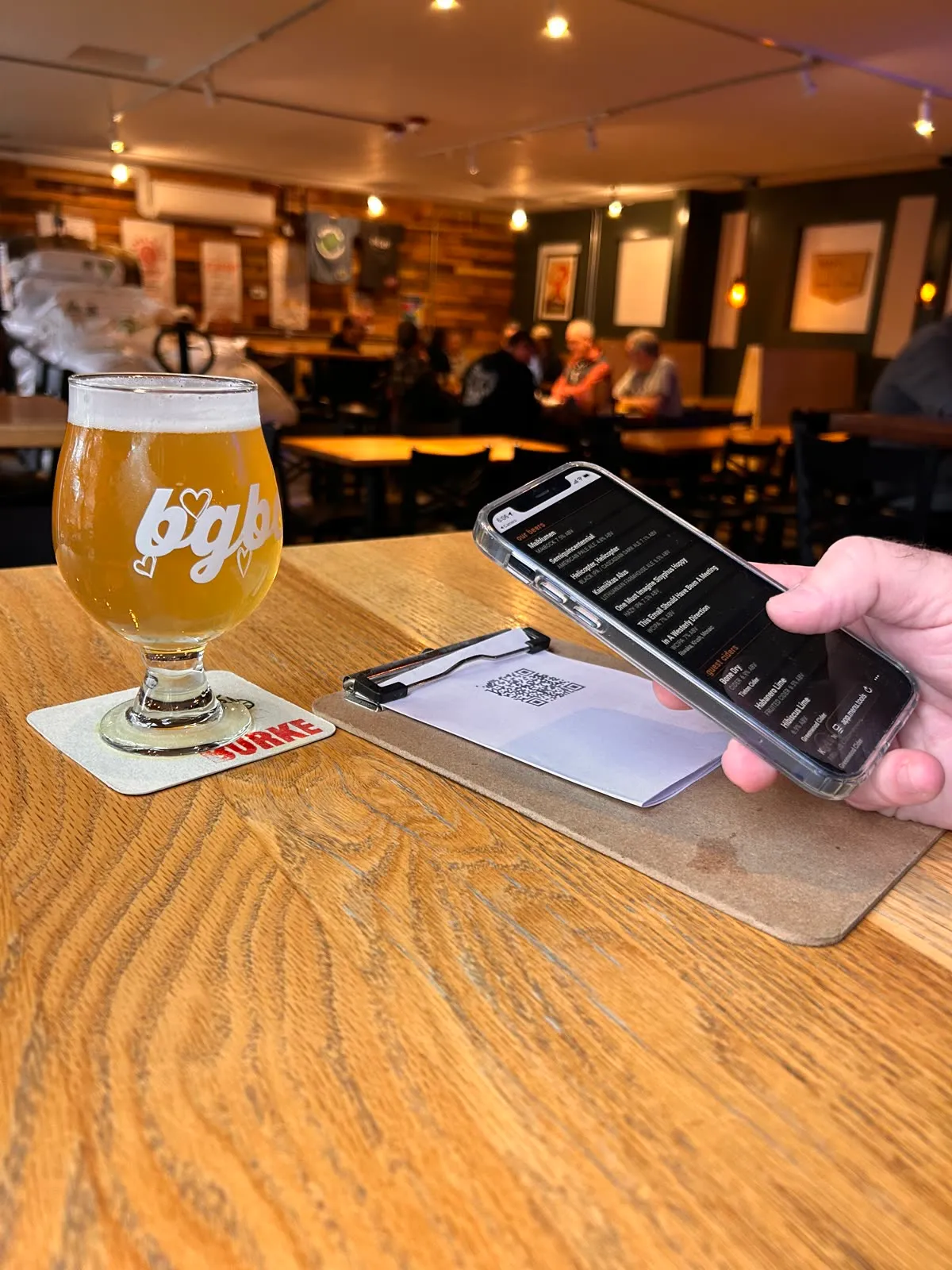
Print a QR code for the tables. Guests read the live menu on their phones with no app to install.
Run several locations from one account and give each its own menus and screens.
Change a price once in the catalog. Every menu in every location carrying that item updates with it.
 Open full size in a new tab
 Open full size in a new tab
Make your own look through imagery
Add your personal touch to a menu by adding your own background image for the page.
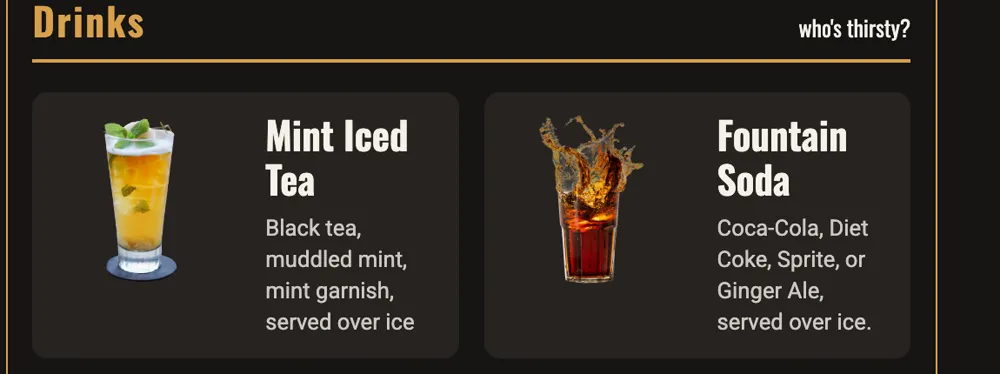
Include individual images for each item to easily show your selections.
Create your own custom look by combining your own selection of palette color, font, size, and organization.
Menu Tools makes customization easy and the results attractive.
 Open full size in a new tab
Start serving smarter menus today
Set up your first menu in minutes. Or, talk to us about customizing a menu for you.